Law & Art Website concepts

Website concepts · October 2026

Four directions for your website

Each concept is a working home page that presents your legal practice and your paintings as the work of one person. They differ in mood, in whether the law or the art speaks first, in light or dark colouring, and in how much the page moves as you use it. All four give clients a clear way to book a consultation and collectors a clear way to enquire about a work.

How to review

  • Open each concept on a laptop, then again on your phone.
  • Everything is clickable, so try the menus, the gallery and anything that moves.
  • Note what you love, even when it comes from different concepts. Elements can be combined.
  • In each concept, the small round button in the bottom-left corner takes you to the next one or back to this page.

The four concepts

Each concept is shown on a laptop and a phone. Click or tap a preview, or the button under its label, to open the live concept.

Concept 01

Exhibit A

Light scheme · Law-led, about 60/40 · Low to medium interaction

Your site as an immaculate case file: legal-document typography, numbered articles and margin notes, with your paintings entered into the record as exhibits.
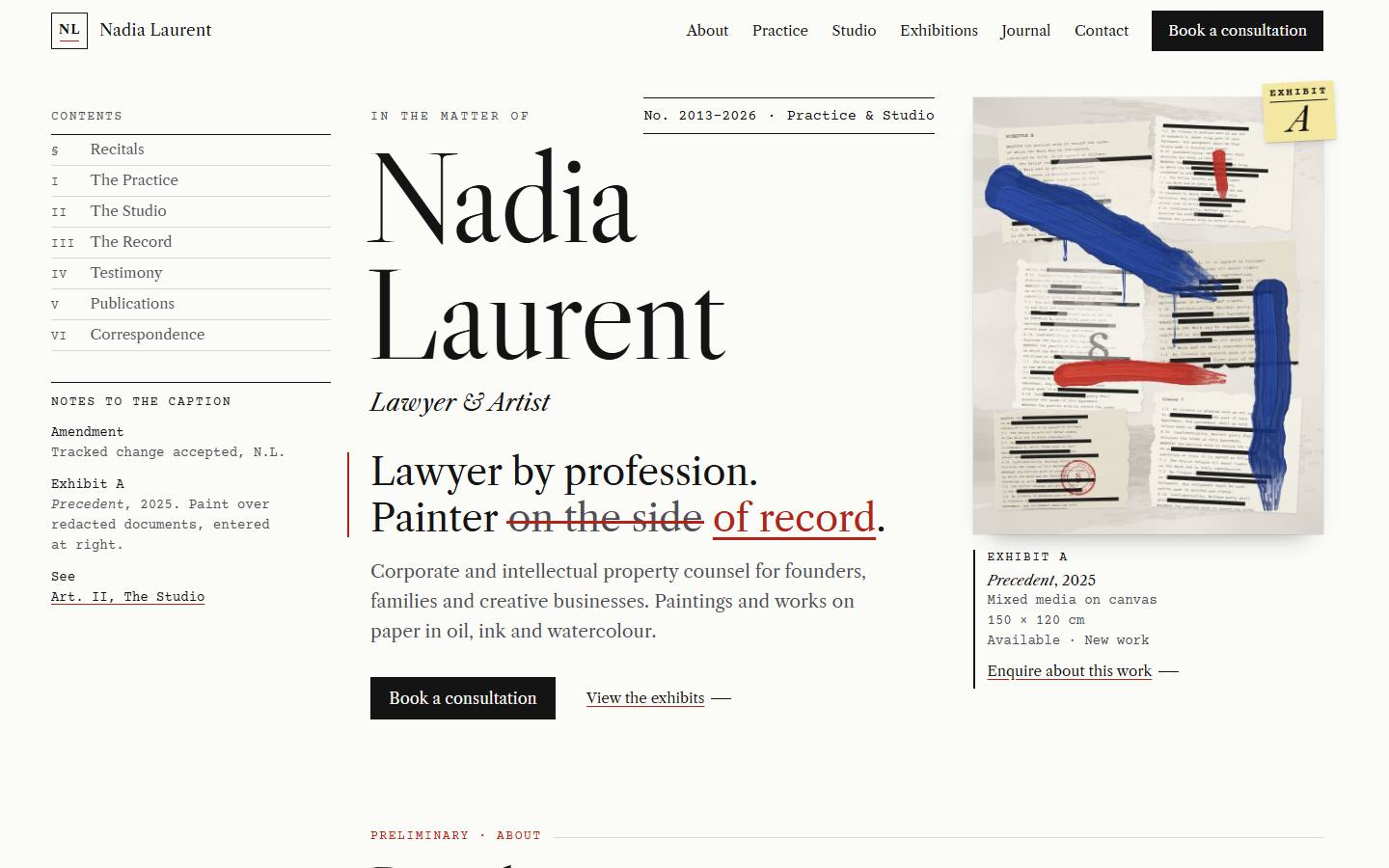
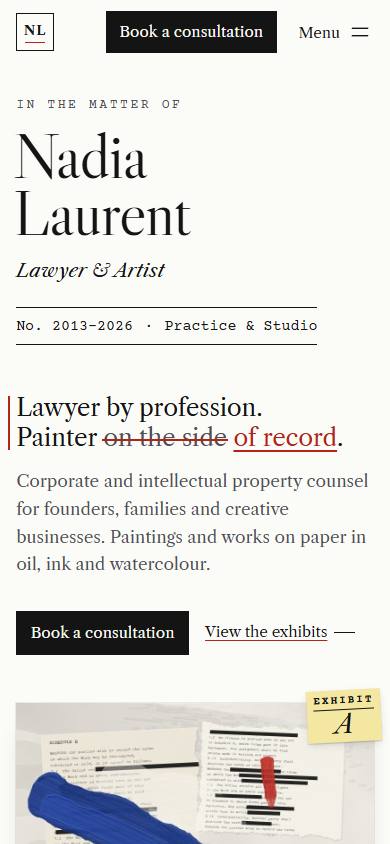
Exhibit A concept, desktop home page Exhibit A concept, phone home page

Home page on a laptop and a phone. Point at the laptop screen to scroll the whole page.

Mood
Precise, witty, timeless
How law and art meet
The whole site reads like a beautifully set legal document, and the art enters it as evidence: each painting is an exhibit with its own label.
Signature details
  • A tracked-changes headline, like a contract draft
  • Footnotes and margin notes
  • A gallery you can view to scale
Type
Libre Caslon Display and Libre Caslon Text, with Courier Prime
Palette
  • Bond paper#FBFBF8
  • Ink#141414
  • Graphite#4F4F55
  • Redline#B42318
  • Highlighter#FFF1A8

Best if you want a confident, intellectual first impression where the lawyer leads and the art surprises.

Open the live concept, Exhibit A
Concept 02

Private View

Dark scheme · Balanced, 50/50 · Medium interaction

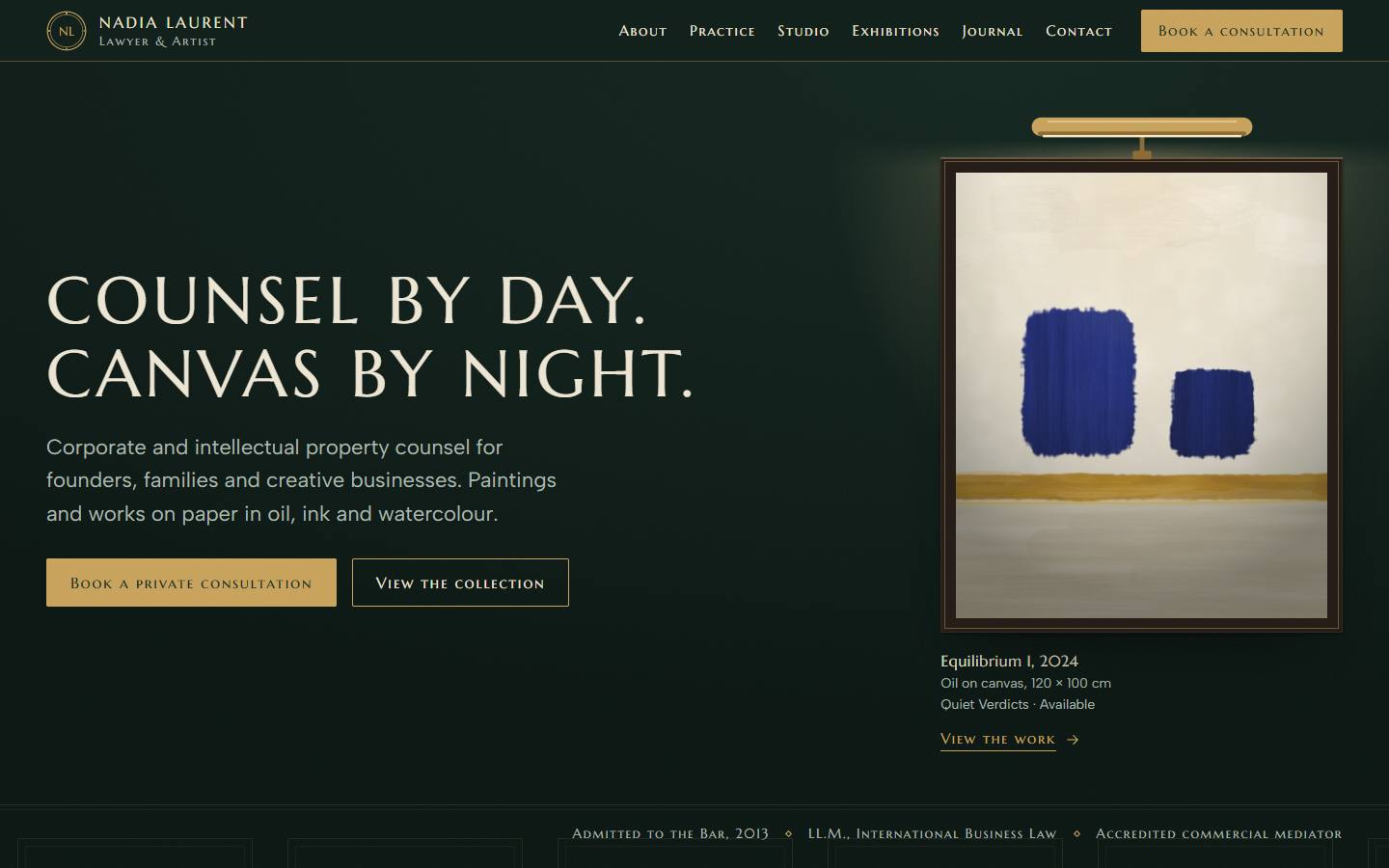
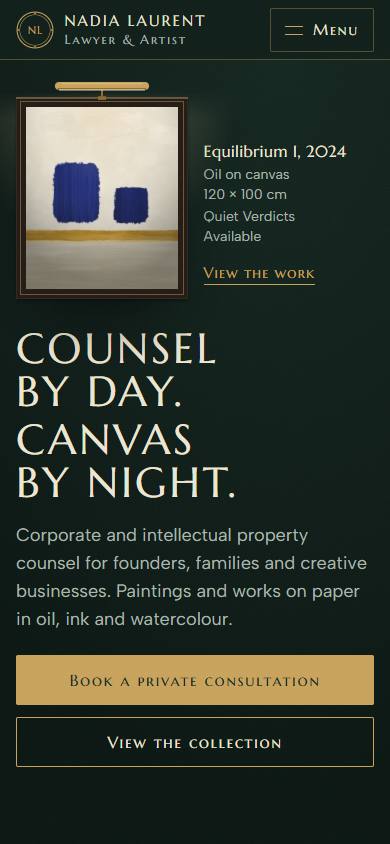
An evening private view held in a law library: deep green walls, brass picture lights and inscriptional capitals.

Private View concept, desktop home page Private View concept, phone home page

Home page on a laptop and a phone. Point at the laptop screen to scroll the whole page.

Mood
Intimate, prestigious, dramatic
How law and art meet
Your practice areas are leather-bound volumes on a library shelf; your paintings hang under brass picture lights in the same room.
Signature details
  • A picture light that switches on over the hero painting
  • Practice areas as books on a library shelf
  • A salon-hung collection with red-dot “sold” stickers
Type
Marcellus with Albert Sans
Palette
  • Library green#0F1E19
  • Panel#142821
  • Brass#C9A35B
  • Parchment#EEE6D3
  • Leather#6B2B26

Best if you want the strongest sense of prestige, for high-value clients and serious collectors.

Open the live concept, Private View

Concept 03

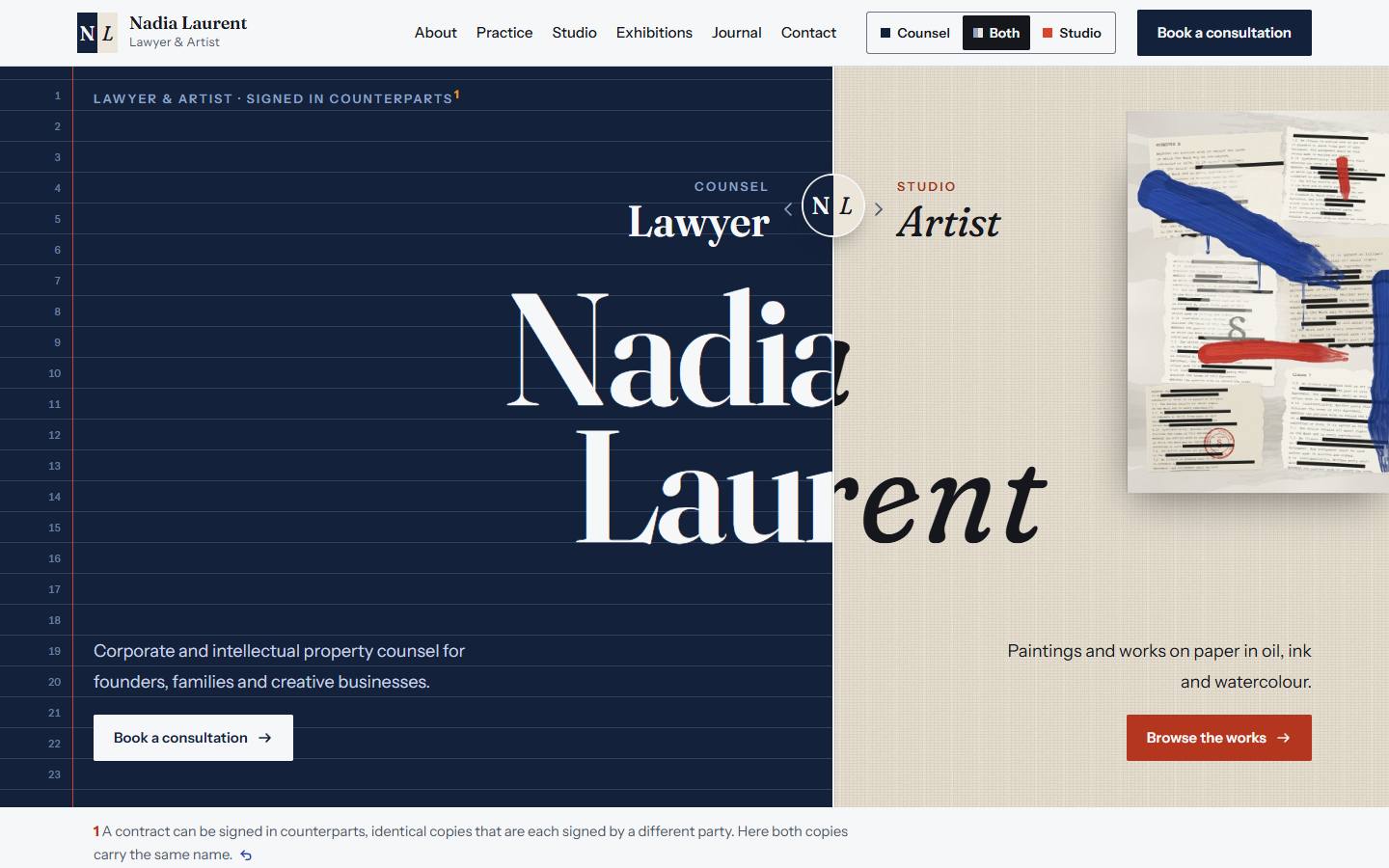
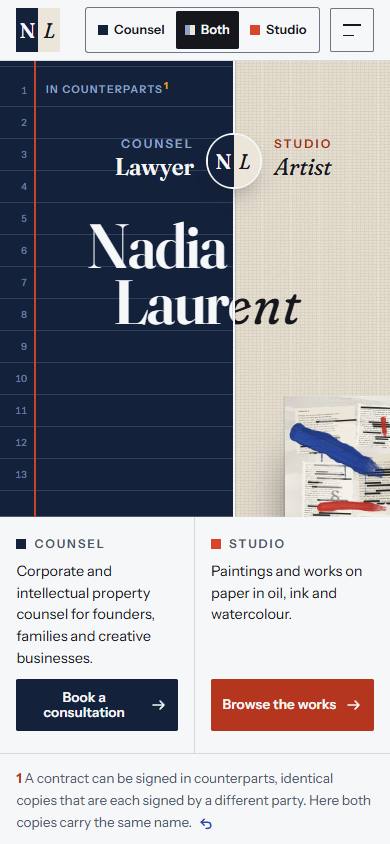
Counterpart

Light scheme · Equal, adjustable by the visitor · High interaction

Your two practices, literally side by side: drag between the legal desk and the studio, or switch the whole site to what a visitor came for.

Counterpart concept, desktop home page Counterpart concept, phone home page

Home page on a laptop and a phone. Point at the laptop screen to scroll the whole page.

Mood
Inventive, personal, memorable
How law and art meet
Both sides of your work share every screen, and one typeface with two temperaments carries both voices.
Signature details
  • A draggable split-screen hero
  • A Counsel / Both / Studio switch that re-tunes the site
  • Your name set in two temperaments of one typeface
Type
Fraunces with Instrument Sans
Palette
  • Navy#13213B
  • Paper#F6F7F9
  • Linen#ECE6DA
  • Cadmium#D9452B
  • Viridian#1F7A66

Best if you want equal weight on both practices and a site people remember and share.

Open the live concept, Counterpart

Concept 04

Pigment & Precedent

Light scheme · Art-forward, about 40/60 · Medium interaction

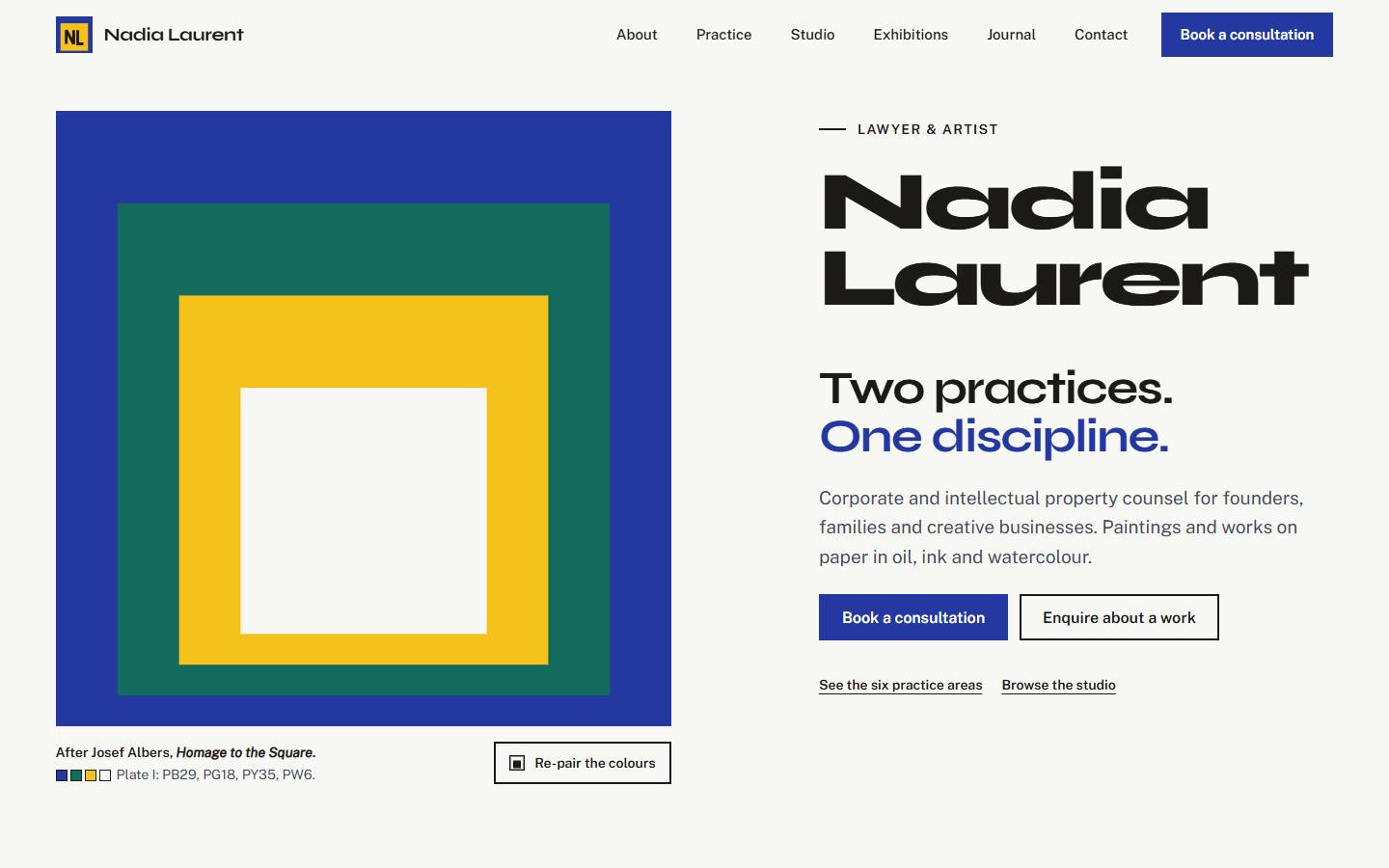
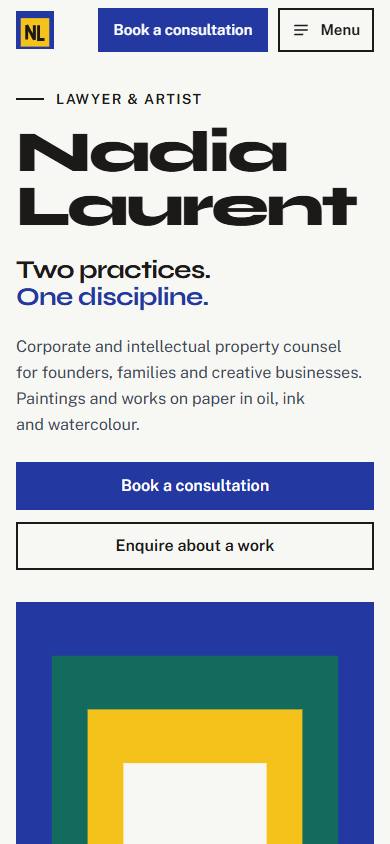
A painter’s colour study: each section is a field of pure pigment, cited by its pigment code the way a lawyer cites precedent.

Pigment and Precedent concept, desktop home page Pigment and Precedent concept, phone home page

Home page on a laptop and a phone. Point at the laptop screen to scroll the whole page.

Mood
Contemporary, colourful, confident
How law and art meet
Pigment codes work like legal citations, and the type pairs a face made for an art centre with one made for government websites.
Signature details
  • An interactive nested-squares hero after Josef Albers
  • Pigment-code section labels
  • Colour notes under every artwork
Type
Syne with Public Sans
Palette
  • Titanium#F7F7F4
  • Ultramarine#2338A0
  • Viridian#126B5C
  • Cadmium yellow#F4C21B
  • Cadmium red#C63A2A

Best if you want a modern, art-forward presence that still feels organised and professional.

Open the live concept, Pigment and Precedent

Side by side

The four concepts compared on six points.

The four concepts compared by tone, balance of law and art, colour mood, light or dark, interaction level and signature moment
01Exhibit A 02Private View 03Counterpart 04Pigment & Precedent
Tone Precise, witty, timeless Intimate, prestigious, dramatic Inventive, personal, memorable Contemporary, colourful, confident
Law and art balance Law-led, about 60/40 Balanced, 50/50 Equal, and visitors can adjust it Art-forward, about 40/60
Colour mood Paper white and ink, with one red for edits Deep library green, brass and parchment Navy and linen, with cadmium and viridian accents Pure pigment fields on titanium white
Light or dark Light Dark Light Light
Interaction Low to medium Medium High Medium
Signature moment A tracked-changes headline, like a contract draft A picture light switches on over the hero painting Dragging the split between the legal desk and the studio An interactive hero of nested colour squares, after Josef Albers

Find your direction

Four quick questions. Your answers point to the concept that suits you best, and you can change them at any time.

1What should a visitor feel first?
2Light or dark?
3How much should the site move?
4Colour?

Your closest match

Answer all four questions to see your closest match.

0 of 4 answered

What happens next

Four steps from your choice to a finished site.

  1. Step 01

    Choose a direction

    Pick the concept that feels most like you. You can also combine elements, for example the colours of one concept with the gallery of another.

  2. Step 02

    Gather your content

    The full site is built from your own material. Please collect the following.

    • A professional portrait
    • High-resolution photos of your artworks, each with its title, year, medium and size
    • Your bio
    • Your practice areas
    • Your credentials
    • Contact details
    • Any bar or regulatory information that must appear on the site
  3. Step 03

    Refine the design and build the site

    Your chosen direction is refined with your real content and built into the full site, with a home page, an about page, your practice areas, a studio with a page for each series, a journal and a contact page.

  4. Step 04

    Review and launch

    You review the finished site on your own devices. Then it goes live with your domain and hosting, set up for search engines and with analytics in place.